Did you know that social media platforms especially Facebook and Instagram are great for getting direct restaurant reservations?
Social media is an integral part of your restaurant’s marketing strategy. While you may be already implementing one of the dozens of these restaurant marketing ideas, you may be missing out on a critical, lesser-known feature. Social media for direct online reservations.
Besides being commission-free, meaning no extra fees for every booking, social platforms boasting millions, sometimes billions, of daily active users.
As of February 2025, Meta platforms remain the highest social media platforms by monthly active users (MAU). Facebook has 3.07 billion MAU, followed by YouTube with 2.53 billion, and Instagram and WhatsApp with 2 billion MAU each.
With this many users, restaurants have the ability to reach millions of users in their locations and promote their food, beverages, and desserts.
In this guide, we will show you exactly how to add the Reserve button to your restaurant’s Instagram profile.
How to add the Reserve button on Instagram
The process for adding the Reserve button is the same for both Facebook and Instagram. You can enable it on either platform individually or on both.
There are 2 ways to add the Reserve button to your restaurant’s profile.
- Through Facebook
- Via Servme’s online settings page
Here is your step-by-step walkthrough to add the Reserve button on Instagram.
- Log in to your restaurant’s Facebook page.
- From the left sidebar, go to Professional dashboard, then select Business Apps. Scroll to the “Reservations” category, find Servme, and click Connect.
- You will be redirected to Servme’s authorization page. Choose the restaurant you want to connect.
- Once done, go back to Facebook. Here, you will need to link your Instagram account, Ad account, and Facebook pixel. (All three are required to finish the setup.)
- Your Reserve button will now be live on both your Facebook and Instagram profiles. You can manage your booking widget settings directly from Servme.
Next steps: Track where your bookings come from
Now that you have added Instagram as a booking integration, make sure you are tracking your booking sources.
From your Servme dashboard, you can review booking sources report, an important restaurant report in your arsenal.
Pro tip: Expand your booking channels
We also recommend that you do not stop at Instagram but explore other booking channels to increase your restaurant sales.
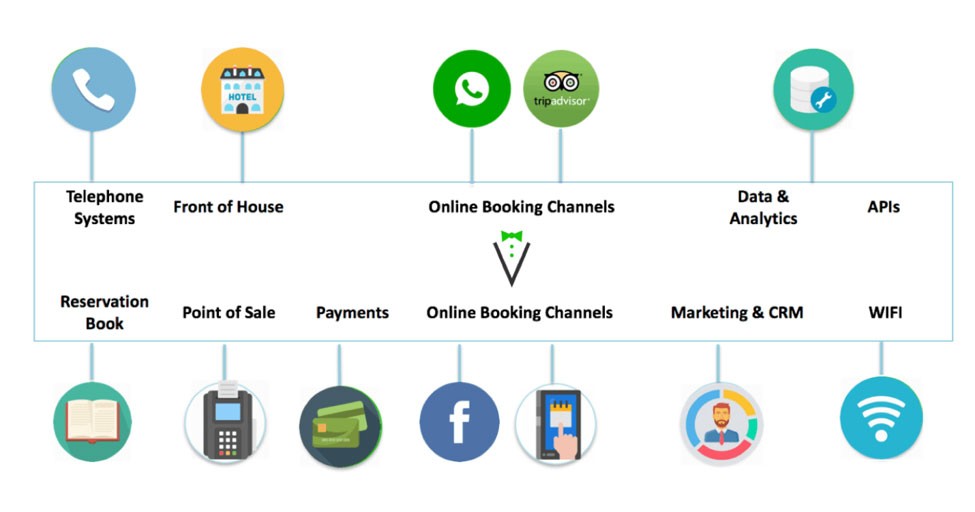
If you are a Servme user, you can integrate with Facebook, Zomato, Tripadvisor, and others, depending on your country or region.
Need help managing online reservations, waitlists, and your entire restaurant? Try Servme. Book a personalized demo to learn more!