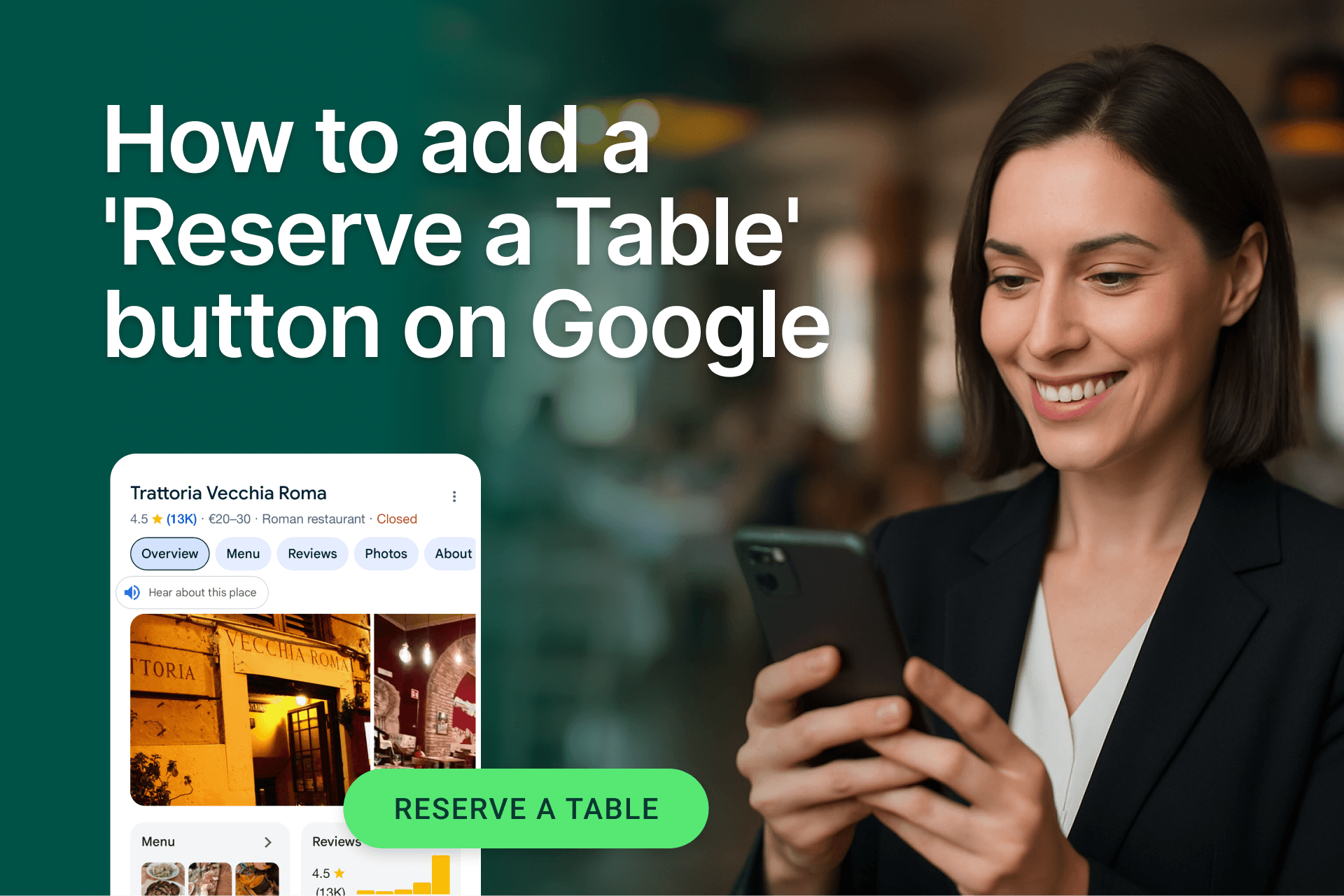
Google remains the world’s largest search engine, with over 14 billion searches per day and 5 trillion searches per year. Among those are searches for nearby restaurants, offering an opportunity to get online bookings from Google.
So, it is no surprise restaurants want to get on the bandwagon and make the most of Google searches.
Diners are searching for new places to eat. This means they can come in as walk-ins or make an online reservation. To get bookings from Google, restaurants can use Reserve with Google and when paired with Servme Payments, you can secure those bookings with deposits or pre-authorizations to reduce no-shows and last-minute cancellations.
Why add a Reserve button on Google?
Adding Google to your arsenal of opportunities to get online bookings can increase your restaurant’s sales.
Another perk is Google’s solution does not involve commissions. However, to get those zero-commission bookings, restaurants need to access Reserve with Google.
But Google cannot partner with millions of restaurants. So, they streamline this feature through restaurant reservation management systems, like Servme.
Diners can make bookings via Google Search, Maps, and Google Assistant.
How to add the Reserve button on Google
Step 1: Choose a partner
Explore restaurant reservation systems and choose one that supports Reserve with Google. Servme is one such platform.
Step 2: Create or update your Google Business Profile
To use Reserve with Google, you will need an active and updated Google Business Profile (GBP).
Here is how to create and optimize your restaurant’s Google Business Profile.
Step 3: Review the integration process
Follow the steps listed by the reservation system to add Google Reserve.
Step 4: Enable Reserve with Google
Enable Reserve with Google from the list of booking integrations.
Step 5: Activate in GBP
Go to the Info tab in your Google Business Profile and link your reservation system.
Step 6: Confirm
It may take a day or 2 for the Reserve button to appear in Google.
Step 7: Review and manage
If you have a restaurant website, make sure it is SEO friendly.
Secure every Google booking with Servme payments
By integrating payments directly into your Google booking flow, you can:
- Secure every reservation with an upfront deposit, reducing no-shows by up to 80%
- Protect peak-time tables by requiring pre-authorizations
- Streamline group bookings by collecting payments in advance
- Customize payment rules for different occasions
Track your revenue sources with reports
Use the tracking and analytics feature in your reservation system to track the sources of bookings and see if Google is working out for you.
If you are using Servme, you can access various restaurant reports, including the Booking Sources report.
Frequently asked questions about Reserve with Google
What is Reserve with Google?
Reserve with Google is a feature by Google that allows diners to make online bookings directly from Google Search, Maps, or Assistant.
Does Reserve with Google charge a commission?
No, Reserve with Google does not charge commissions. All reservations through Reserve with Google are free.
Can I control when the Reserve button shows up?
Yes, you can choose the time of day and the days of the week to get online bookings.