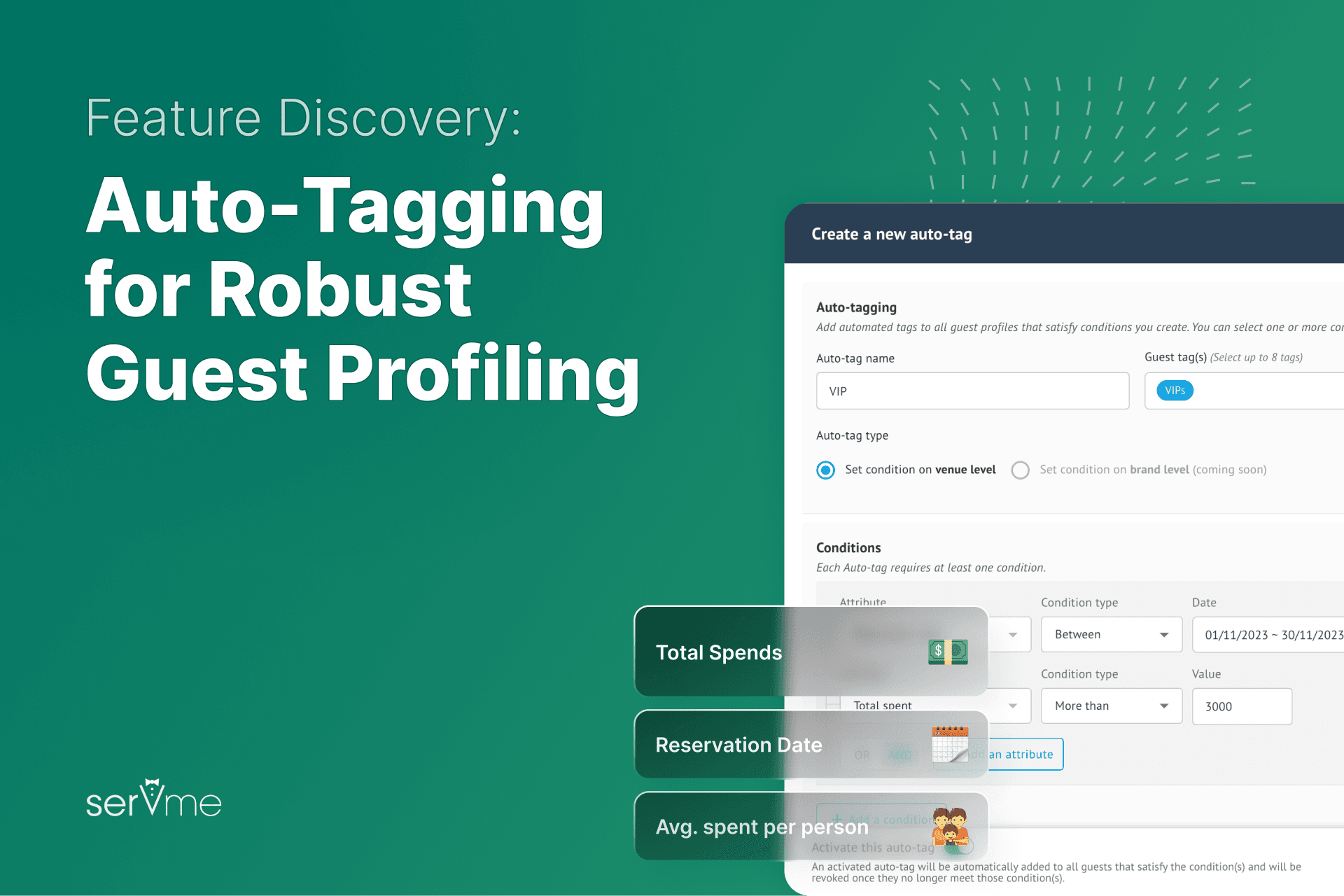
Segmenting your guests means you can personalize their experiences the next time they interact with you.
Creating guest profiles in your restaurant CRM is the first step. But what then?
The answer is using auto-tagging.
Auto-tagging is a revolutionary feature, designed to help restaurants create hyper-personalized guest experiences.
What is auto-tagging?
Auto-tagging, short for automated tagging, allows you to set up predefined rules, conditions, and attributes that are automatically added to your guest profiles.
This new feature gets rid of old, traditional methods of manually adding tags to guest profiles.
Auto-tagging makes it very easy to organize and categorize your guest information without manual work.
How does auto-tagging work?
Auto-tagging helps restaurant managers and servers know guests the moment they place a call, make a booking, or enter through the door.
You can create auto tags across several verticals:
- Reservation date
- How many times a guest visited
- Number of covers
- Number of cancellations
- Number of no-shows
- Total spent
- Average spend per person
- Average spend per table or visit
- When was their last visit
Auto-tagging features and perks
Use AND/OR feature
Combine the number of visits with the value spent per visit.
Use multiple auto-tags
Create any number of auto-tags for smaller, highly segmented lists.
Use new auto-tags for previous visits
You can add tags to older guest visits.
5 use cases and ideas to experiment with auto-tagging
Uncover your frequent visitors
Use the auto-tagging feature to identify your most frequent guests using the ‘number of arrivals’ tag.
Identify your high-spenders for better future experiences
Create an auto tag for your top spenders, e.g., those who spend US $300 per individual check.
Retain your VIPs with auto tags and email marketing
Identify what VIP means to your restaurant. Use the and/or feature to list conditions. Once you have 30+ guests under this tag, create an email campaign.
Reduce bookings or include a reservation fee for no-shows
Create a tag for guests who cancel often or don’t show up, and require them to pay a reservation fee.
Use auto-tagging to re-engage inactive guests
Create an ‘Inactive Guests’ tag for guests who haven’t come in 3 months. Use Servme’s restaurant marketing automation features to re-engage them.