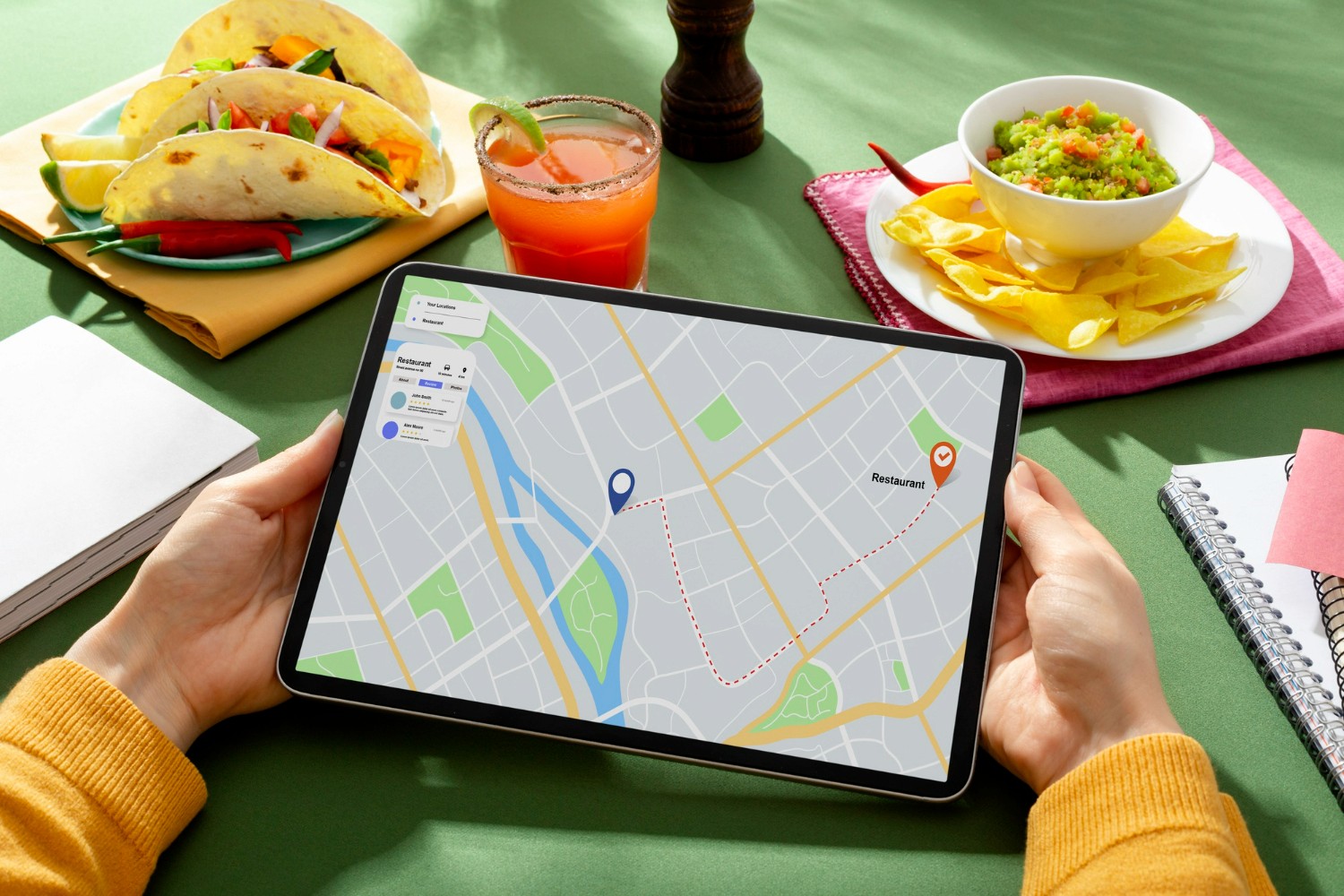
When guests want to learn more about a restaurant, they typically start with a quick search on Google or head straight to Google Maps. The latter will show them information about which venue is closest to them and how to get there. But for a guest to find you, you must first have a Google My Business profile for your restaurant.
A Google My business (GMB) profile is the key to getting your restaurant discovered on Google Search and Maps, whether on desktop or mobile. It’s your digital storefront – one that can attract new guests, showcase your brand, and drive real-world visits.
Research by Google found over 50% of shoppers saying they use Google to find or discover new brands.
Besides getting seen, there are other perks to creating a Google My Business profile, which we’ll cover in this article. We’ll also cover what Google My Business is, whether it’s the same as Google Reserve, and how to create your Google My Business profile. Let’s get your restaurant on the map – literally!
What is Google My Business?
Google My Business is a free Google service that helps people find your business via Google Search and maps. Like any profile, you can personalize your Google My Business profile, add photos, contact information, posts, and more.
Put simply, if you want to be found, you need to have a Google My Business profile. If you manage multiple restaurant locations, Google allows you to create one profile and list your locations so customers can find you easily.
Why should you create a Google My Business profile for your restaurant?
Google alone processes over 40,000 search queries each second, resulting in over 3.5 billion searches per day and 1.2 trillion searches per year, worldwide.
Offer information about restaurant
One of the top benefits of creating a Google My Business Profile is getting in front of your guests. In addition, you provide them with information that can help them decide to dine at your venue or make a direct reservation later.
Engage with guests
Using your Google My Business account, you can engage with guests by responding to questions, reviews, and in some locations, you can enable direct messaging.
Boost local SEO
Search engine optimization (SEO) should be part of your restaurant’s marketing strategy. Having a Google My Business profile improves your local SEO, allowing you to rank for queries in your vicinity.
Use Google Reserve
Another solution offered by Google is Reserve with Google. However, to get on the platform, there are 2 essential criteria. One of them is having a Google My Business Profile.
Gain insights with analytics
Another benefit of a Google My Business profile for your restaurant is the dashboard, which offers analytics and insights.
Google My Business vs Reserve with Google
Google My Business is about being found in search and Google Maps, while Reserve with Google (also known as Google Reserve) helps guests make online bookings.
Both Google offerings are free of charge. However, to enable Reserve with Google, you’ll need to use a restaurant reservation management system, or a Reserve with Google partner like Servme.
How to create a Google My Business profile for your restaurant
You need to have a Google or Gmail account to start. Go to Google My Business and create a profile from there.
You should include the following information:
- Your restaurant’s name
- Your business category
- Your restaurant’s address
- Your restaurant’s phone number
- Hours of operation
- A link to your restaurant’s website, if applicable
- A link to your restaurant’s Google Maps listing
Tips: How to optimize Google My Business for restaurant
- Make sure you complete every aspect of your Google My Business profile.
- Select primary and secondary categories
- Write a clear, concise description of your restaurant
- Upload photos regularly (weekly if possible)
- Answer questions
- Ask guests to leave reviews, and respond to them
- Add your restaurant menu
- Mention whether you offer food delivery services
- Add links to your social media channels
Frequently asked questions about Google My Business
How much does Google My Business cost?
Google My Business is a free solution from Google. You won’t be asked to pay any money at any time.
How do I upload a restaurant menu to Google?
You’ll need to use the Menu Editor to add, upload, or edit menu items, along with their descriptions and prices.
Can I have 2 Google business accounts?
You’ll need to have separate businesses. However, if you want to include multiple restaurant venues, then you can add the location details for each under the same business profile.
Do you need a Google account for Google My Business?
Yes.
How do I get verified on Google My Business?
Google recommends reviewing all your information before requesting a verification. Once you do that, follow these steps:
- To verify now: At the top, find the red banner and click Verify now.
- To verify later: Click Verify later then Later.
- If you’re not authorized to manage the Business Profile for the chain: Find the person in your organization who’s authorized and continue the process.
More information here.