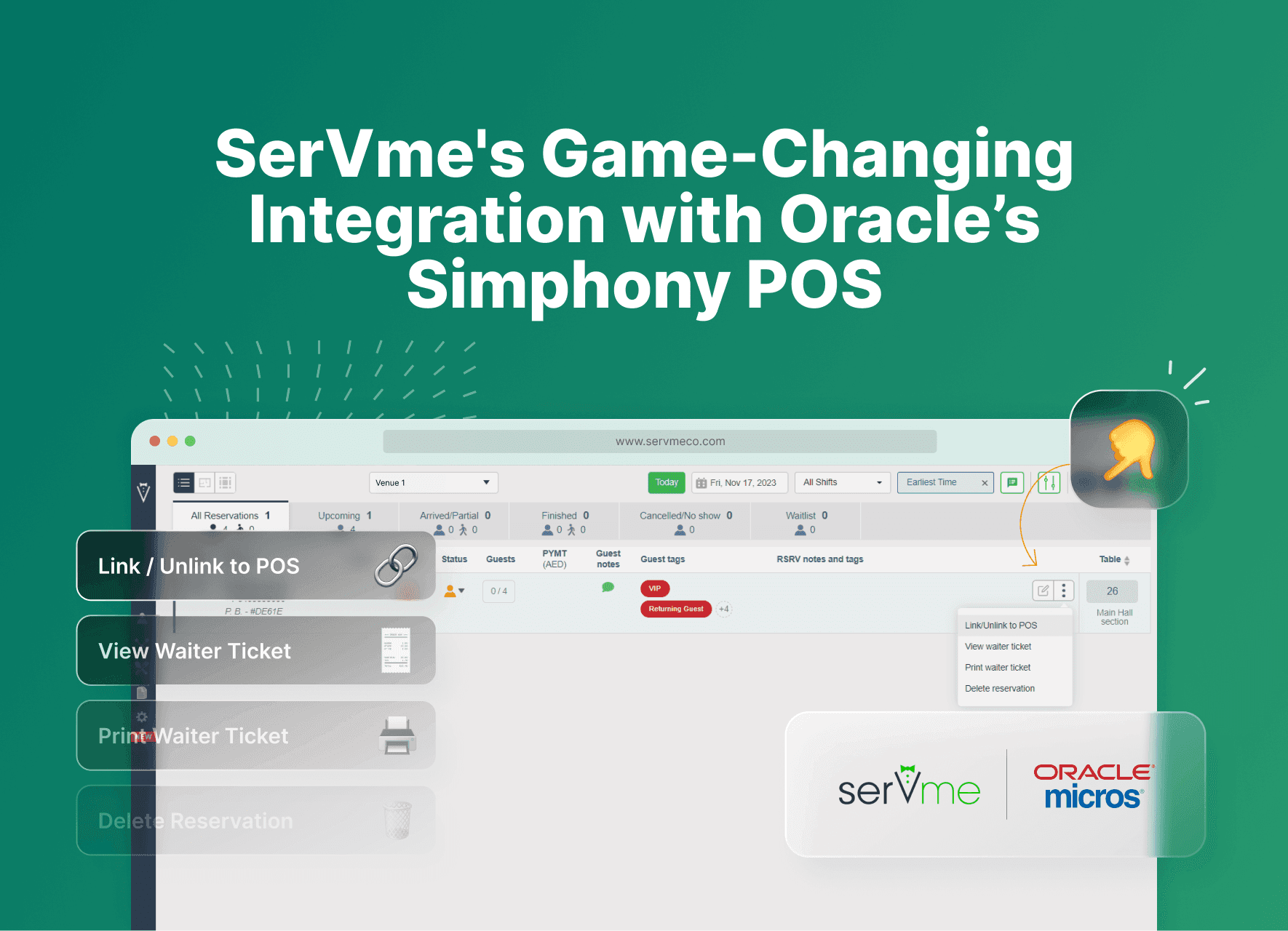
Enhancing customer experiences just got easier with the latest link/unlink feature to our SerVme-Simphony POS integration. This innovative integration gives restaurants a new level of server flexibility and guest personalization.
Restaurants can now exchange data between SerVme and Simphony POS seamlessly. This allows restaurants and hotel F&B operators to track guest orders, preferences, allergies, and even pre-payments or deposits directly within the Simphony POS.
This integration not only personalizes the guest experience but also provides real-time updates on spending, enabling staff to view menu items ordered at each table and identify upselling opportunities.
How can F&B teams leverage the new SerVme and Oracle’s Simphony Integration?
- Manually link and unlink reservations directly from the point of sale and the SerVme table management system
- View the reservation list in the point of sale including upcoming, arrived and partially arrived reservations
- View all reservation information including reference number, customer name, guest phone number, guest count, table number, reservation status, tags, notes, pre-payment/deposits, and membership code
- Track all pre-payment amounts applied to checks in the POS reports
- Automatically deduct pre-payment amounts (deposits) without manual entry
- Default employee names appear on all checks opened by SerVme
- Default order types appear on all checks
The new integration stands out for several reasons
1. Combined Key Features
The integration seamlessly combines automatic opening of a guest check from SerVme and direct seating of a reservation from POS.
2. Dynamic Employee Names
Employees can manually open the check from POS, enabling them to link the reservation to a specific check under their name.
3. Flexible Order Types
Staff can manually open the check from POS, define the order type, and link the reservation accordingly.
4. Reduced Overhead Costs
The new integration eliminates the mandatory requirement for the Simphony transaction service.
What is the Link/Unlink check feature?
This feature empowers restaurant managers and servers, allowing them to seamlessly connect (or disconnect) guest checks between SerVme and Simphony POS.
Hostesses and servers gain access to guest spending details and ordered menu items on both dashboards.
Benefits of using the link/unlink check feature
Redeem prepayments directly
Easily apply advance payments on the guest check without manual input.
Link/unlink past reservations
You can also link or unlink past reservations to the POS if you note any mistakes.
Auto arrive
When linking a reservation to a guest check in POS, SerVme will automatically mark the reservation as arrived.
Reservation list
Simphony POS enables direct viewing of all pending and upcoming reservations in SerVme.
Real-time menu item update
The SerVme table management software provides real-time visibility of all menu items ordered from the POS.
Split checks
When guests split the check, SerVme receives all sub-checks, aggregates the amounts, and notifies the user.
Wrapping it up
SerVme seamlessly integrates with Oracle Point of Sale and Opera property management system. Contact us at sales@servmeco.com or book a training at customercare@servmeco.com